Introduction
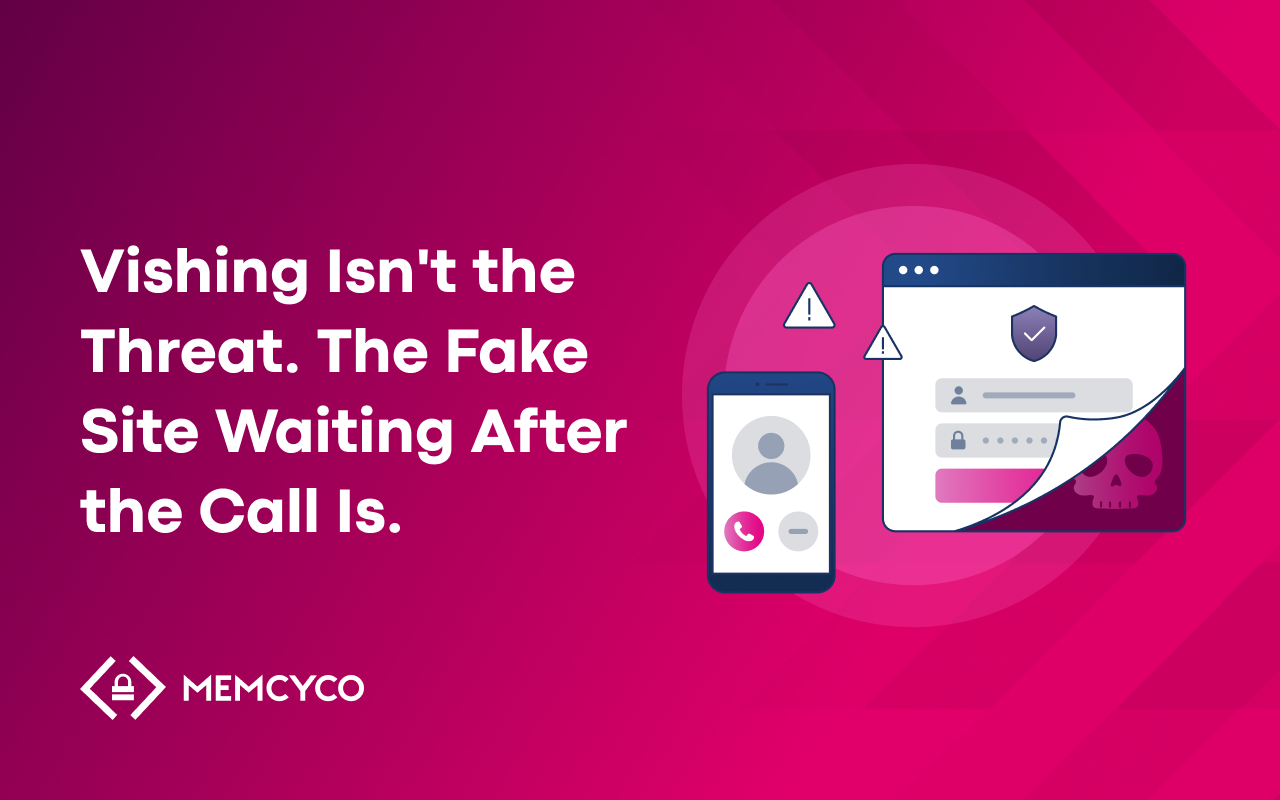
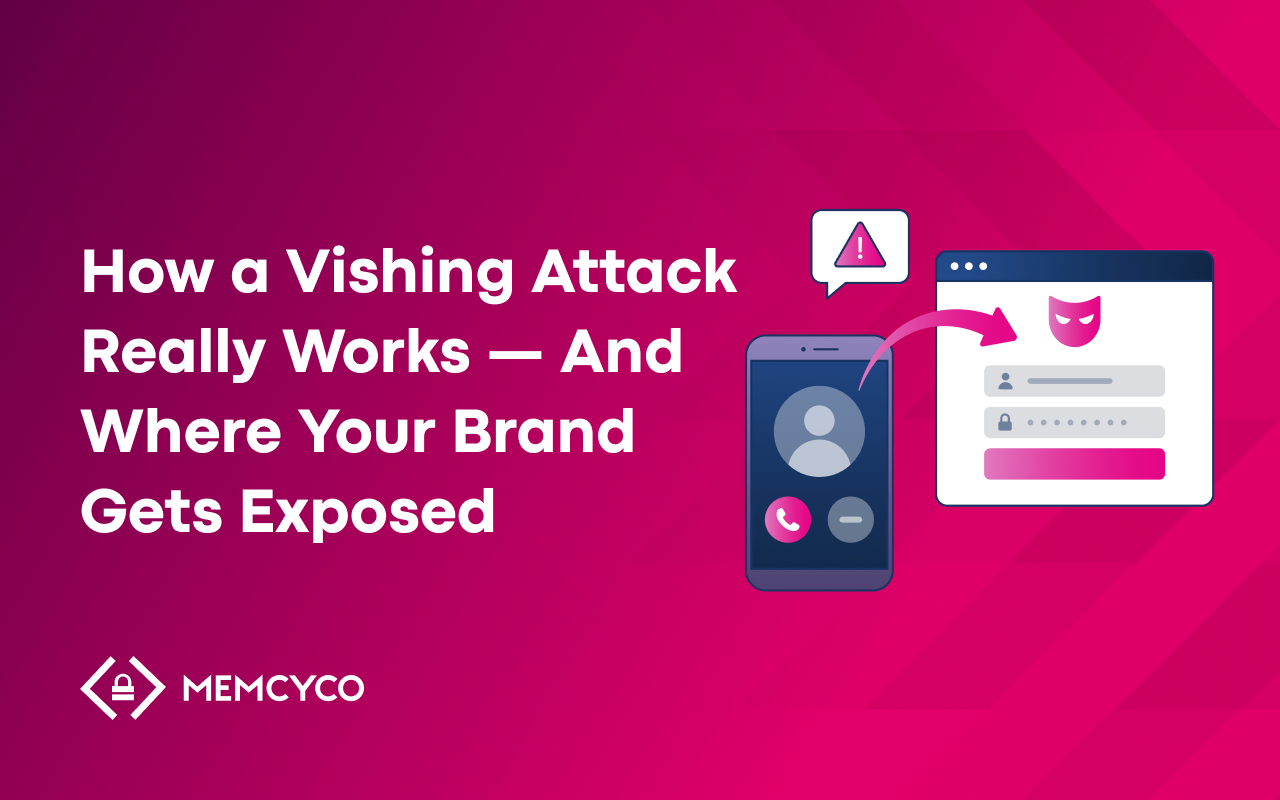
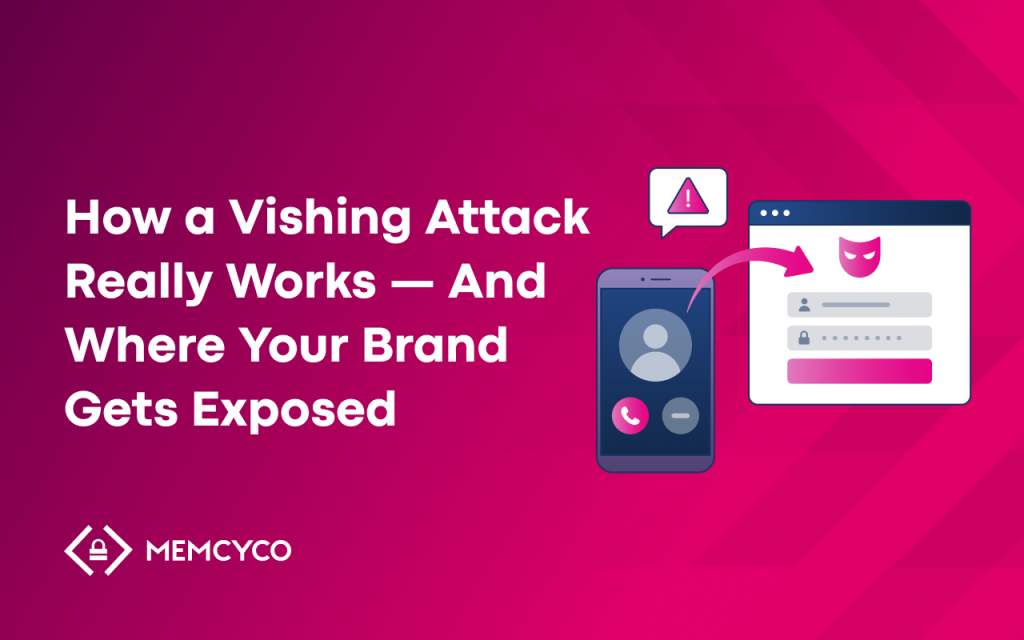
How does vishing work? An attacker calls a customer while posing as a trusted organization, usually a bank, a payment provider or a telecom brand, and uses urgency to move that customer to act. In most account takeover scenarios the action is visiting a website, and the website is a copy of the real one.
The call creates trust and pressure. The fake site is where credentials, one-time passcodes and payment details are entered. Understanding both halves of the attack, and the time between them, explains why vishing is difficult to stop with call-level controls alone.
This guide walks through the full attack chain, the organizations most often impersonated, where common security controls sit in that chain, and what security and fraud teams can do about the part that happens on the fake site.
What Is a Vishing Attack?
A vishing attack (voice phishing) is a social engineering attack in which a criminal uses a phone call, a VoIP call or AI-generated audio to impersonate a trusted organization or person. The goal is to get the target to hand over credentials, approve a payment or give the attacker access to an account.
Vishing is often discussed as a consumer problem, but it also affects the organizations being impersonated. When attackers pose as a bank and direct a customer to a copy of the bank’s login page, the customer loses money and the bank carries the support cost, the fraud investigation and the damage to trust.
Vishing volumes have risen sharply. CrowdStrike’s 2025 Global Threat Report recorded a 442% increase in voice phishing between the first and second halves of 2024, and Mandiant’s M-Trends 2026 ranked voice phishing as the second most common initial infection vector in the incidents it investigated.
How Vishing Differs From Phishing and Smishing
Phishing, smishing and vishing use different channels to reach the victim, and that determines which controls can see the lure. In many campaigns the destination is the same: a fake site built to collect credentials.
| Phishing | Smishing | Vishing | |
| Channel | SMS and messaging apps | Phone and VoIP calls | |
| Typical lure | Link or attachment in an email | Link in a fake alert message | Spoken instructions to visit a web address |
| Controls that inspect the lure | Email gateways, DMARC, DKIM, SPF, URL scanning | SMS filtering, mobile threat defense | Call authentication and filtering; no message or link to scan |
| Where the victim is often sent | A fake site that collects credentials | A fake site that collects credentials | A fake site that collects credentials |
A phone call leaves no message for an email gateway or SMS filter to inspect. When a victim types a web address they heard on a call, there is also no link for a URL scanner to check. Modern campaigns often combine channels, for example a text message that delivers the link followed by a call that applies pressure to use it.
How AI Voice Cloning Changes the Attack
Vishing used to need a skilled caller and a lot of manual effort per target. Generative AI has reduced both.
Microsoft’s VALL-E research showed that a short recording of around three seconds can be used to synthesize speech in a specific person’s voice. In May 2025 the FBI issued public service announcement PSA250515 warning that malicious actors were using AI-generated voice messages to impersonate senior US officials. Deloitte’s Center for Financial Services projects that generative AI could enable fraud losses of $40 billion in the United States by 2027, up from $12.3 billion in 2023.
Three developments make voice attacks easier to run at scale:
- AI voice agents can hold adaptive conversations with victims, so one operator can run many calls at once.
- Automated reconnaissance gathers names, employers and account details from public profiles and breached data before the call is placed.
- Cheap VoIP services and caller ID spoofing let attackers display a number the victim recognizes.
The Anatomy of a Vishing Attack, Step by Step
A vishing attack aimed at account takeover usually follows six steps. Some happen before the phone rings.
Step 1: Reconnaissance
Attackers build a profile of the target from social media, company directories, data breaches and other public sources. The more specific the details, the more credible the call sounds.
Step 2: Infrastructure setup
Attackers register a lookalike domain, copy the brand’s login page and add a valid TLS certificate so the browser shows the usual padlock. They also set up the systems that capture what victims enter. The fake site is often live before the first call is made.
Step 3: The call
Using a spoofed caller ID, the attacker calls the target and refers to personal details to establish credibility. Urgency does the rest: a suspicious transaction, a locked account or a security check that has to happen now.
Step 4: The redirect
The attacker tells the victim to visit a web address to verify their identity or secure their account. The address may be read out, or sent at the same moment by text or email. The victim arrives on a page that looks like the brand’s real site.
Step 5: Credential capture
The victim enters a username, password, one-time passcode or payment details. Some fake sites use adversary-in-the-middle (AiTM) techniques, relaying what the victim enters to the real site in real time so the attacker can complete multi-factor authentication and capture the session. For the victim, the process looks like a normal login.
Step 6: Account takeover
The attacker uses the stolen credentials or session to log in, change contact details, move funds or sell the access. The impersonated organization often learns about it only when the customer reports the loss.
Real-World Vishing Attack Examples
Three cases show how voice-based impersonation has developed.
The deepfake CFO video call (Hong Kong, 2024)
A finance employee at the engineering firm Arup joined a video call in which the other participants, reported to include the chief financial officer, were AI-generated deepfakes. The employee approved transfers of about $25 million before the fraud was discovered. The case shows how convincing synthetic voice and video have become.
Help desk vishing against enterprise platforms (2025)
Google’s Threat Intelligence Group reported that a financially motivated group called employees while posing as IT support to gain access to companies’ Salesforce environments, and that data theft was followed by extortion attempts. The calls opened the door; the access that followed caused the damage.
FakeCall malware (2024)
Zimperium’s zLabs team documented FakeCall, Android malware that intercepts calls a victim makes to their bank and redirects them to the attacker while showing the bank’s number on screen. The victim believes they called their bank, and the attacker collects their details.
Who Gets Targeted, and Who Absorbs the Cost
Financial services, fintech, ecommerce and telecom brands are targeted often because they combine large customer bases, valuable accounts and frequent digital contact. A call about a suspicious transaction sounds plausible when the customer banks with that organization every week.
The FTC reported that people lost $3.5 billion to imposter scams in 2025, the highest reported total for that category.
For the impersonated organization, the cost goes beyond the fraud loss. Customers who are defrauded in a brand’s name often hold that brand responsible, contact its support team and question whether its channels are safe to use. In regulated sectors, the organization may also need to show what controls it had in place to detect impersonation and protect customers.
Where Common Security Controls Sit in the Attack Chain
Each control in a typical security stack covers a real part of the problem. Mapping them against the six steps shows which part each one addresses and where visibility is limited.
- Email authentication (DMARC, DKIM, SPF): protects an organization’s email domain from being spoofed in email. A vishing attack that never sends an email falls outside its scope.
- Anti-phishing and URL filtering: checks links in email and web traffic against threat intelligence. A newly registered lookalike domain may have no reputation history yet, and a web address typed in from a phone call may never pass through a filter.
- Call authentication and filtering: STIR/SHAKEN and carrier filtering reduce spoofed and unwanted calls. They confirm call origin, not caller intent.
- SIEM and SOC monitoring: correlates events from the organization’s own systems. The fake site runs on infrastructure the attacker controls, so the first internal signal is often the login attempt that follows.
- Fraud detection and behavioral analytics: assess risk inside the real login and session. They are effective at spotting unusual activity there, but may not know that the customer entered credentials on a fake site minutes earlier.
- Digital risk protection and takedown: find impersonating domains and work to remove them. Removal takes time, and these services do not usually show which customers visited a site while it was live.
The pattern is that the fake site, and the time a customer spends on it, is where the least visibility exists.
The Window of Exposure
The window of exposure is the time between a customer reaching a fake site and the impersonated organization knowing that the customer, and their account, is at risk.
Several factors keep that window open:
- Attacker-controlled infrastructure. The fake site sits outside the organization’s network.
- No link to scan. A web address read out on a call can bypass link-scanning tools.
- Valid certificates. The padlock icon appears, so browser cues do not warn the victim.
- New domains. Freshly registered domains may not appear on blocklists yet.
- Speed. The Verizon 2024 Data Breach Investigations Report found that the median user clicks a phishing link 21 seconds after opening the email and enters their data 28 seconds later, while research presented at The Web Conference 2025 found phishing sites stay live for a median of 5.46 hours and an average of 54 hours.
During that window, credentials can be captured and used before downstream controls have a reason to raise an alert.
Reducing Exposure on the Fake Site
Call-level controls remain worth having, because they reduce how many vishing attempts reach customers. Reducing the harm from the attempts that get through means adding visibility at the point where the victim acts: the fake site.
Memcyco’s preemptive account takeover protection platform focuses on that stage of the attack. Depending on how it is configured, Memcyco can:
- detect in real time when a customer reaches a site impersonating the brand
- warn the customer that the site is not genuine
- replace credentials submitted on the fake site with marked decoy data, so the attacker does not receive the real details
- identify the affected customer and the attacker’s device, and send that risk context to fraud, authentication and SOC teams
These signals complement existing controls. They give fraud and authentication systems earlier context, so a later login attempt with exposed credentials can be treated with the right level of caution.
What Security and Fraud Teams Can Do Now
- Map your external exposure. Find out how often your brand is impersonated online, including lookalike domains, copied login pages and fake support numbers.
- Measure your window of exposure. Establish how long it takes today to learn that a customer reached a fake site, and how you find out.
- Identify exposed customers earlier. Knowing which customers entered credentials on a fake site lets teams reset credentials or add verification before the account is misused.
- Share early signals with existing controls. Exposure data is most useful when it reaches the fraud and authentication systems that decide what happens at login.
Vishing Attack Glossary
- Vishing (voice phishing): a social engineering attack that uses phone or VoIP calls to impersonate a trusted organization and obtain credentials, payments or account access.
- Caller ID spoofing: falsifying the number shown on the recipient’s phone. The FCC explains how attackers use it to impersonate banks and government agencies.
- Lookalike domain: a domain registered to resemble a legitimate brand’s address, using typos, character substitution or misleading subdomains.
- Adversary-in-the-middle (AiTM): a technique in which an attacker-controlled proxy relays traffic between the victim and the real service, capturing credentials and session tokens.
- AI voice cloning: generating speech in a specific person’s voice from a short audio sample.
- Pretexting: inventing a believable scenario, such as a fraud alert, to justify the request the attacker makes.
- Credential harvesting: collecting usernames, passwords and one-time passcodes through a deceptive interface.
- Account takeover (ATO): unauthorized access to an account using stolen credentials or sessions.
- Window of exposure: the time between a customer reaching a fake site and the impersonated organization knowing the customer is at risk.
Conclusion
Vishing works by combining a persuasive call with a convincing copy of a trusted website. The call creates urgency, and the fake site is where credentials and passcodes change hands. Call authentication, email security, fraud detection and takedown each cover part of that chain. The step with the least visibility is the time a customer spends on the fake site, and narrowing that window of exposure gives the rest of the stack better information to act on.
Frequently asked questions
How does a vishing attack work step by step?
Most vishing attacks aimed at account takeover follow six steps: reconnaissance on the target, setting up a lookalike domain and fake site, a call using a spoofed caller ID, directing the victim to the fake site, capturing the credentials and passcodes the victim enters, and using them to take over the account.
What is the difference between vishing and phishing?
Phishing reaches victims by email; vishing uses phone calls, VoIP or AI-generated audio. Both often lead the victim to the same kind of fake site. Because a call leaves no email for a gateway to inspect, vishing bypasses email-based controls.
Why can’t DMARC stop vishing attacks?
DMARC, DKIM and SPF authenticate email. They protect an organization’s domain from being spoofed in email, but a vishing attack that uses a phone call and a lookalike website never touches that email domain.
Which industries are most targeted by vishing?
Financial services, fintech, ecommerce and telecom brands are frequent targets because they have large customer bases, valuable accounts and regular customer contact that makes a fraud alert call sound plausible.
Can multi-factor authentication stop vishing attacks?
MFA raises the bar, but it does not stop every vishing attack. Fake sites using adversary-in-the-middle techniques can relay one-time passcodes to the real site in real time. Earlier signals that a customer used a fake site help fraud and authentication systems decide how to treat the next login.
What is the window of exposure in vishing?
It is the time between a customer reaching a fake site and the impersonated organization knowing that customer is at risk. The shorter that window, the more chance teams have to protect the account before it is misused.

Digital Impersonation Fraud Specialist